
What is a PDF QR Code
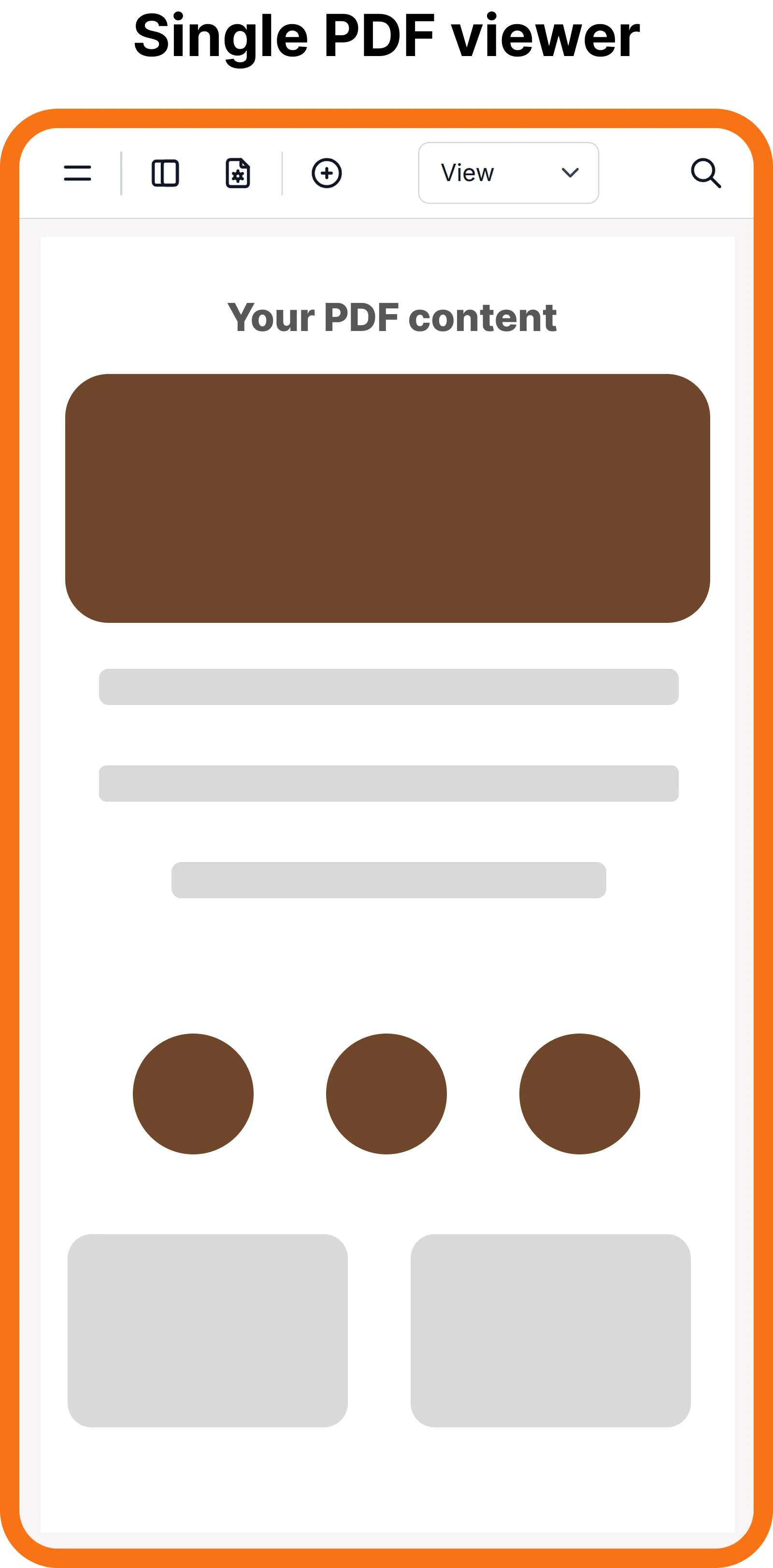
A PDF Dynamic QR Code lets you upload one PDF file that opens in an interactive PDF viewer when scanned.
You can update or replace the PDF file anytime without changing the QR code, so you never need to reprint your materials.
How to Create an PDF QR Code
With ZodQR, you can get started with PDF QR codes for free without an account. Sign up later to manage your QR codes, track scans, and update PDF files anytime.
Step 1: Upload PDF File
Select your PDF file (up to 250MB) using our simple upload interface.
Step 2: Customize PDF Viewer
Add a title, and config your PDF viewer to fit your needs.
Step 3: Generate QR code
Customize & generate your PDF QR code. Download the QR code image or share the link directly. You can update the PDF file anytime without changing the QR code.
Best use cases for PDF QR Codes
Restaurant Menus
Let customers scan a PDF QR code to view your latest menu - update anytime, no reprints needed.
Brochures & Flyers
Turn printed materials into digital touchpoints with a QR code linking to your PDF content.
Product Manuals
Deliver user guides and instructions via QR code - no bulky manuals, always up to date.
Reports & Catalogs
Share catalogs, price lists, and company PDFs through one simple, scannable code.
Event Programs
Give attendees instant access to schedules and agendas with a PDF QR code.
Real Estate Documents
Attach QR codes to listings for instant access to floor plans, brochures, and property details.
FAQs
Ready to create your PDF QR Code?
Upload your PDF and share it instantly with a scannable QR code. Free forever for basic use.