
Turn your menu into a QR code
Create a digital menu for your restaurant, cafe, bar, hotel, or food truck in minutes. Easily add items with images, descriptions, and prices, then update your menu anytime without reprinting your QR code.
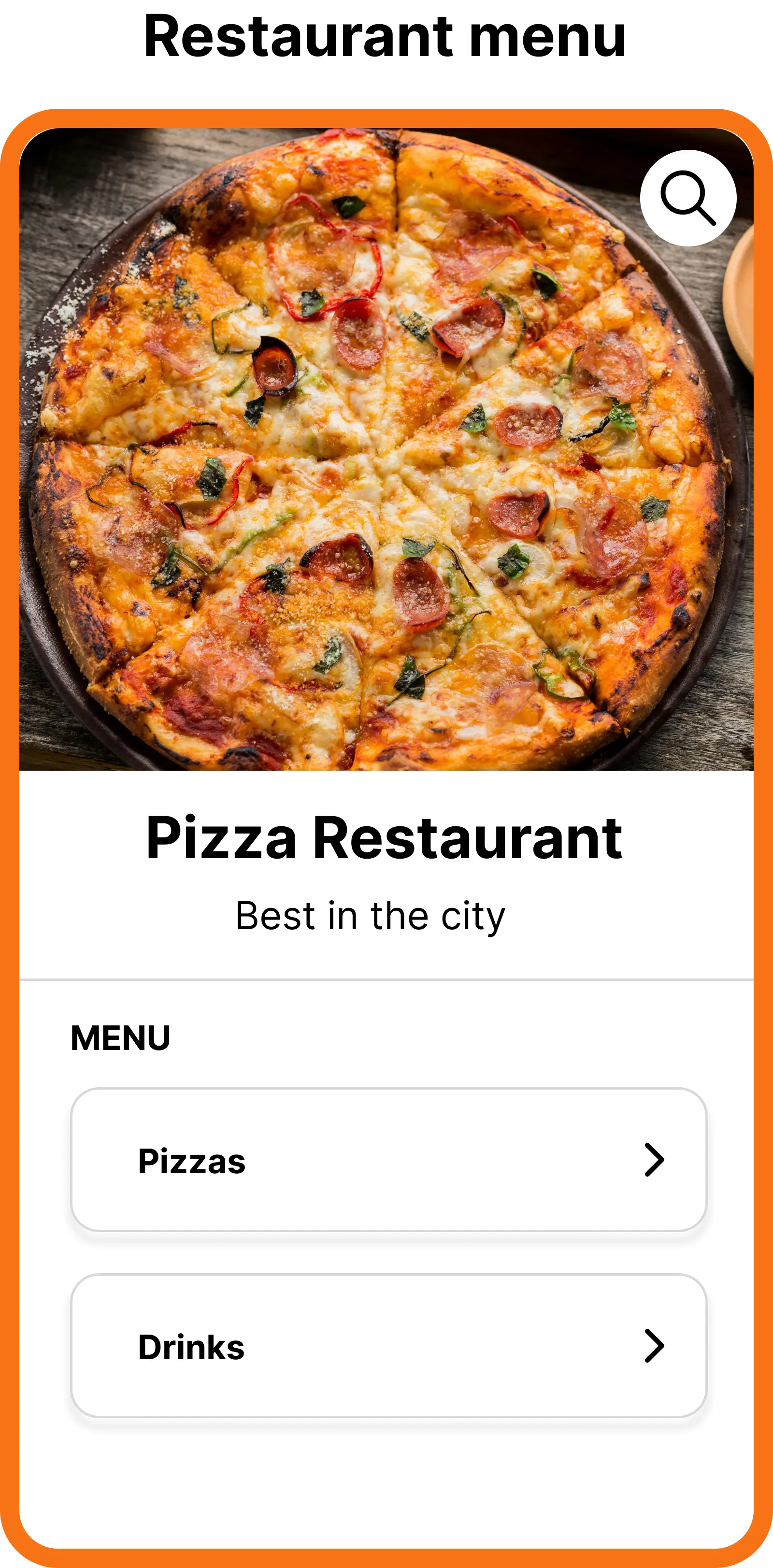
What is a Menu QR Code
Digital restaurant menu
Show your menu in a clean, mobile-friendly format instead of static PDFs.
Update without reprinting
Change items, prices, and descriptions anytime without changing the QR code.
Great guest experience
Fast-loading menus that are easy to read on any phone or tablet.
How to create a Menu QR Code
1
Add menu info
Add title, description , logo and other info of your restaurantl
2
Add menu items
Add items with title, optional price, image, and description. Drag and drop to change the order.
3
Styling digital menu page
Config background color and text color to match your restaurant branding and make your menu look great on any device.
4
Styling QR code
Customize your QR code with colors and logos to match your restaurant branding. Create a cohesive experience from the QR code to the menu page.
Why use Menu QR Codes?
Instant menu updates without reprinting QR codes
Add new items, change prices, update descriptions, and rearrange your menu anytime without the cost and hassle of reprinting QR codes.Enhanced guest experience with mobile-friendly menus
Fast-loading menus that are easy to read on any phone or tablet.Track customer engagement with scan analytics
Monitor how many times your menu is scanned and by whom, helping you understand customer behavior.No PDF downloads or pinching to zoom required
Enjoy a seamless experience with no need for additional apps or actions.
Enhanced features for Menu QR Codes
Password-protected menus
Protect your menu with a password so only authorized guests (for example, staff or VIP events) can view it.
Scheduling & expiry
Schedule when your QR code is active or let it expire after a date, perfect for seasonal or event menus.
Scan limits
Limit the total number of scans for special campaigns or private menus.
Custom back-half
Use branded, readable URLs so your menu links look professional and on-brand.
White-label domain
On Pro plans, use your own restaurant or hotel domain for complete white-label branding.
Organize into folders
Store breakfast, lunch, dinner, and bar menus in separate folders to keep everything organized.
Best use cases for Menu QR Codes
Restaurants & Cafes
Display food, drinks, seasonal items, and weekly specials on a single QR code menu.
Bars & Clubs
Share cocktail lists, wine lists, bottle menus, and late-night specials with easy updates.
Hotels & Resorts
Use QR codes for room service menus, spa menus, poolside snacks, and restaurant outlets.
Food Trucks & Pop-ups
Quickly update menus that change daily or seasonally without reprinting anything.
Events & Catering
Share event menus, buffet options, or tasting menus for weddings, conferences, and parties.
Multilingual Menus
Provide separate menus for different languages by creating dedicated menu QR codes.
Tips for better Menu QR Codes
Use high-quality, optimized images so menu pages load quickly.
Keep your menu updated to avoid customer confusion and out-of-stock items.
Add your logo and brand colors for a consistent restaurant experience.
Create separate Menu QR Codes for breakfast, lunch, dinner, and drinks if needed.
Test your QR codes on multiple devices before printing them at scale.