
3 steps to create black and white instagram QR code
Create a free QR code
Get started without account
Tips: Want to share all your social media links in a single QR code? Try ZodQR Social Media QR code
Steps to generate black and white QR code for instagram links
- Go to ZodQR Instagram QR code solutions
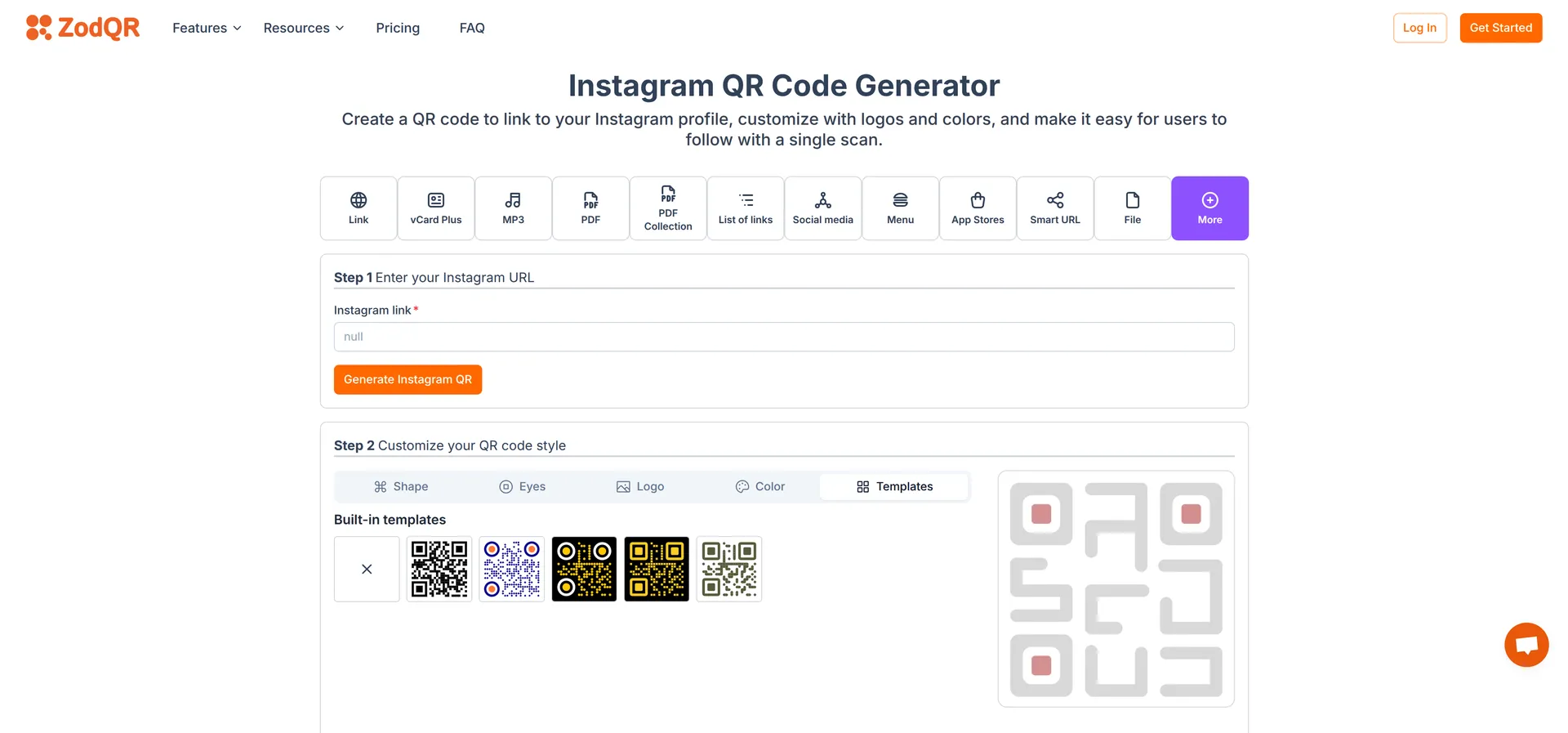
- Enter your Instagram link, then click "Generate QR code"

- Styling your QR code:
- From the customize options, select the template tab and choose the black and white template.
- New styling will be apply to your QR code automatically.
- You can also select the logo from Logo tab.
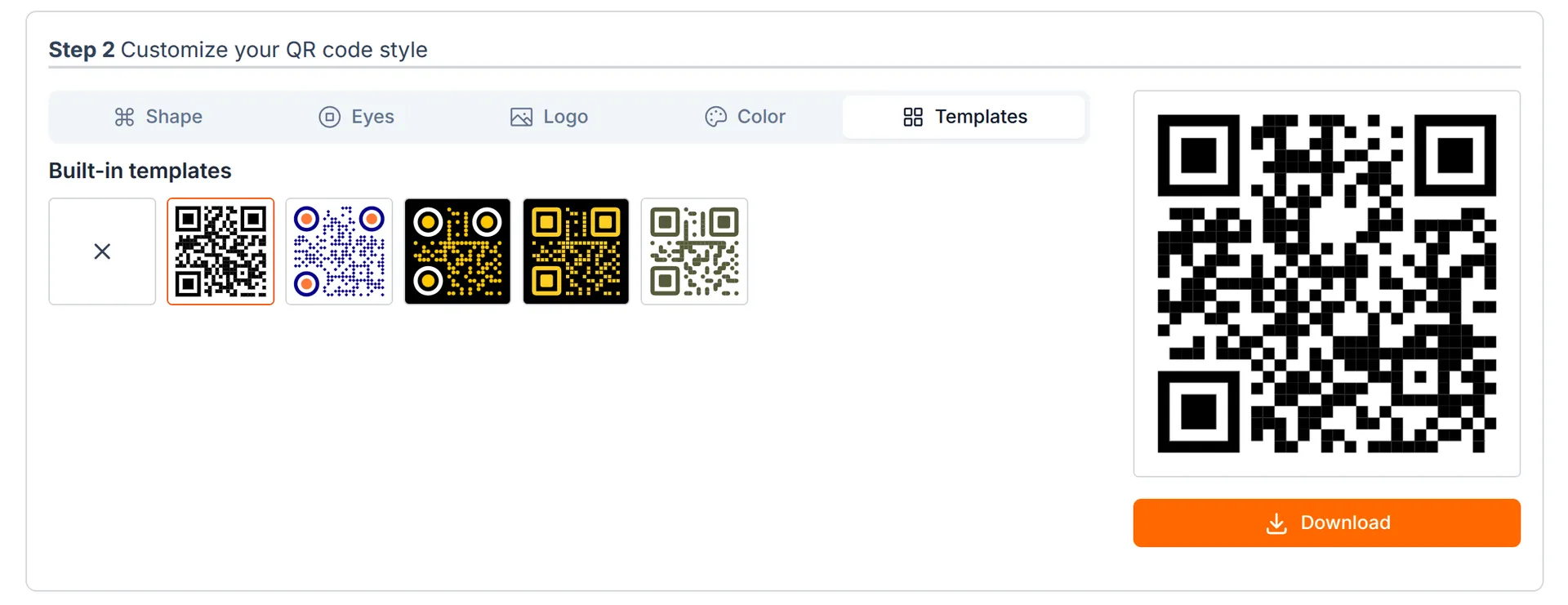
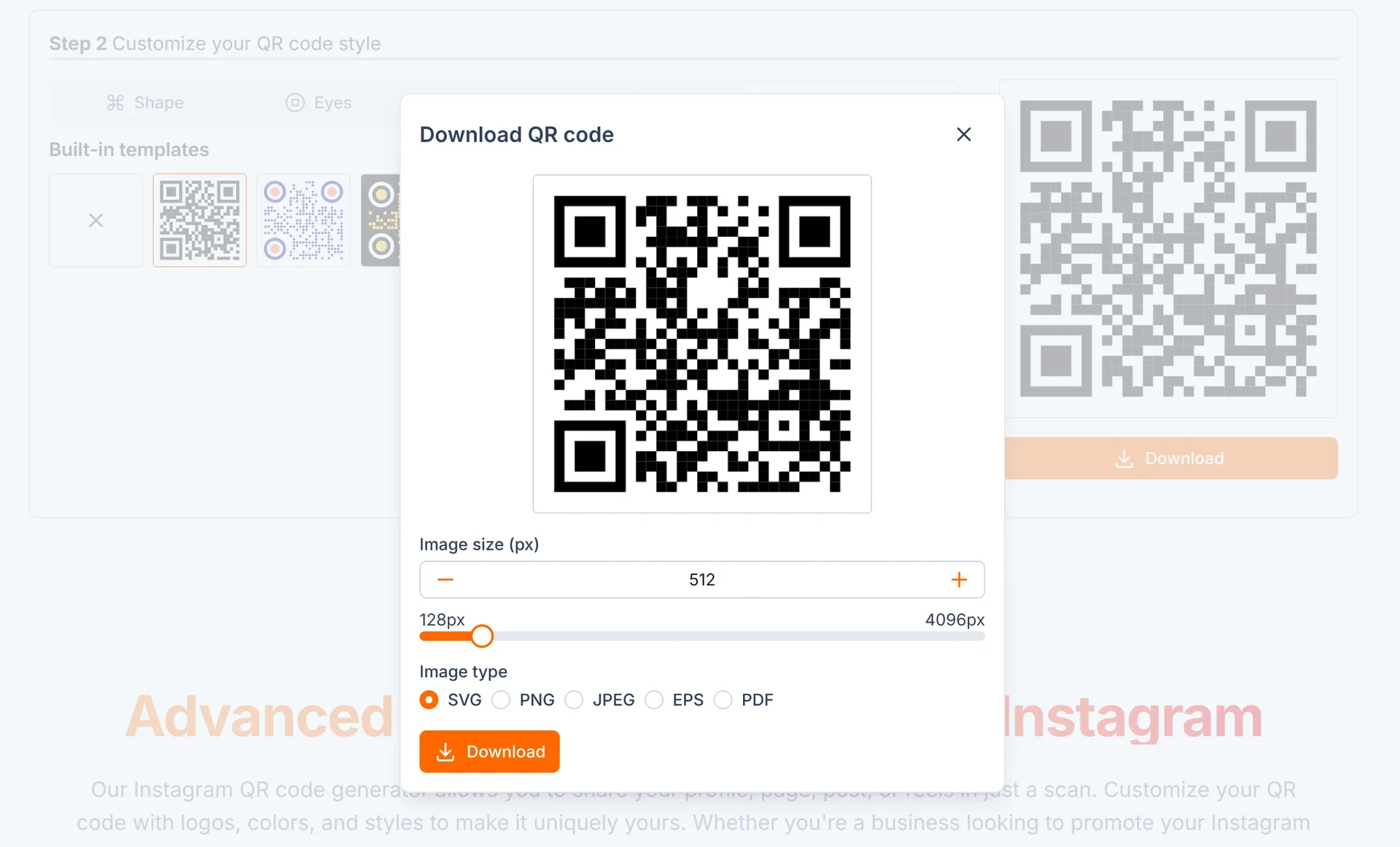
Now your black and white Instagram QR code is ready. Click download button, select image format you want and download QR image resolution up to 4096px for free.
Beside Instagram QR code, ZodQR have more than 20 static and dynamic QR code types you can create for free.